This post contains affiliate links. We may earn a small commission when you buy through our links — at no extra cost to you.
I switched from a phone strapped to my handlebars to a dedicated bike computer about five years ago, and I have never once missed the phone. The appeal isn’t the numbers — it’s not watching the battery drop at mile 60 because the screen has been on for four hours. A good unit holds a clean GPS trace under tree cover and between tall buildings, survives a full day in the saddle, and shows you what you need at a glance instead of three menu screens deep.
Over the past eight months, my team and I have ridden with 10 different computers, from bare-bones models that show speed and distance and not much else to full mapping units with satellite messaging. What surprised me is how rarely the GPS chip itself separated them — the real differences showed up in the screen, the buttons, and how fast you could find what you wanted. Everything below was chosen with that in mind, sorted by the kind of riding it suits.


Best for All-Round Cycling
Garmin Edge 840
Key Features
- Battery: 26 hours; 42 hours saver
- Display: 2.6 inches
- Controls: Touchscreen and buttons
- Navigation: Preloaded maps; multi-band GNSS
- Price: Premium
The Edge 840 gets the control question right: a touchscreen for maps and a set of physical buttons for everything you need while moving. That combination is the best here for riders who want navigation without fumbling at speed. The 2.6-inch screen is not the largest in this group, but it is readable in sun, and the buttons mean rain or gloves do not stop you.
Navigation is why it earns the top spot. Multi-band GNSS, preloaded maps, turn prompts, and ClimbPro give you a clear picture of the route and the climb ahead. We followed routes on local road and gravel loops and came to trust the map view, and the unit pairs with ANT+ sensors, Di2, and radar without a fuss. Battery life is a claimed 26 hours in demanding use, or 42 hours in saver mode, which covers long days and multi-ride weekends.
The training side is deep: daily suggested workouts, adaptive coaching, and Garmin Connect syncing. We think the premium is justified if you ride often and want one computer for navigation, training, and sensor integration; if you only need a breadcrumb and speed, a cheaper unit makes more sense. The 840 rewards riders who will use the data, not those who just want a speed readout.
Pros
- Touchscreen plus physical buttons
- Multi-band GPS and preloaded maps
- 26-hour battery with 42-hour saver
- Broad sensor and Di2 pairing
Cons
- Deep menus take time to learn
The Edge 840 earns our top pick for riders who want mapping, training data, and dependable sensor pairing without giving up physical buttons.
Best for Large-Screen Touring
Garmin Edge 1050
Key Features
- Battery: 20 hours; 60 hours saver
- Display: 3.5 inches, color touchscreen
- Storage: 64 GB
- Navigation: Preloaded maps; hazard alerts
- Price: Premium
The 3.5-inch screen is the first thing you notice, and it changes the experience: maps look like a small tablet, data fields are easy to arrange, and the display stays readable in direct sun. It is a big unit on the bars, and the price puts it in a different class from everything else here. But if visibility is your priority, nothing else in this group gives you this much screen.
We think it is the best choice here for riders who run a crowded cockpit of radar, Di2, power, and heart-rate sensors. The 1050 is a connected hub: road hazard alerts, in-ride messaging, live location, incident detection, and a built-in speaker all work through the Garmin ecosystem. The screen makes those alerts easier to read at speed, which matters more than the spec sheet suggests.
Battery life is a claimed 20 hours in demanding use and up to 60 hours in saver mode, and 64 GB of storage leaves room for maps and routes. The touchscreen is responsive, and the interface is customizable. We liked the large tap targets and the way the map fills the screen; it feels like a premium device rather than a repurposed cycle computer.
The catch is the size and the price. On a small cockpit, the 1050 can crowd a light and a mount, and it costs more than most riders need to spend. Those trade-offs are easier to accept when the map is the main event, because the screen is genuinely easier to follow at a glance. The Edge 840 is the more balanced alternative if you want a smaller unit.
Pros
- Big, bright 3.5-inch color screen
- Up to 60 hours in battery saver
- Road hazard alerts and radar support
- 64 GB storage for maps and routes
Cons
- Touchscreen can be less responsive in rain
We recommend the Edge 1050 when the biggest, brightest map screen matters more than price or a compact cockpit.
Best for Compact Button Navigation
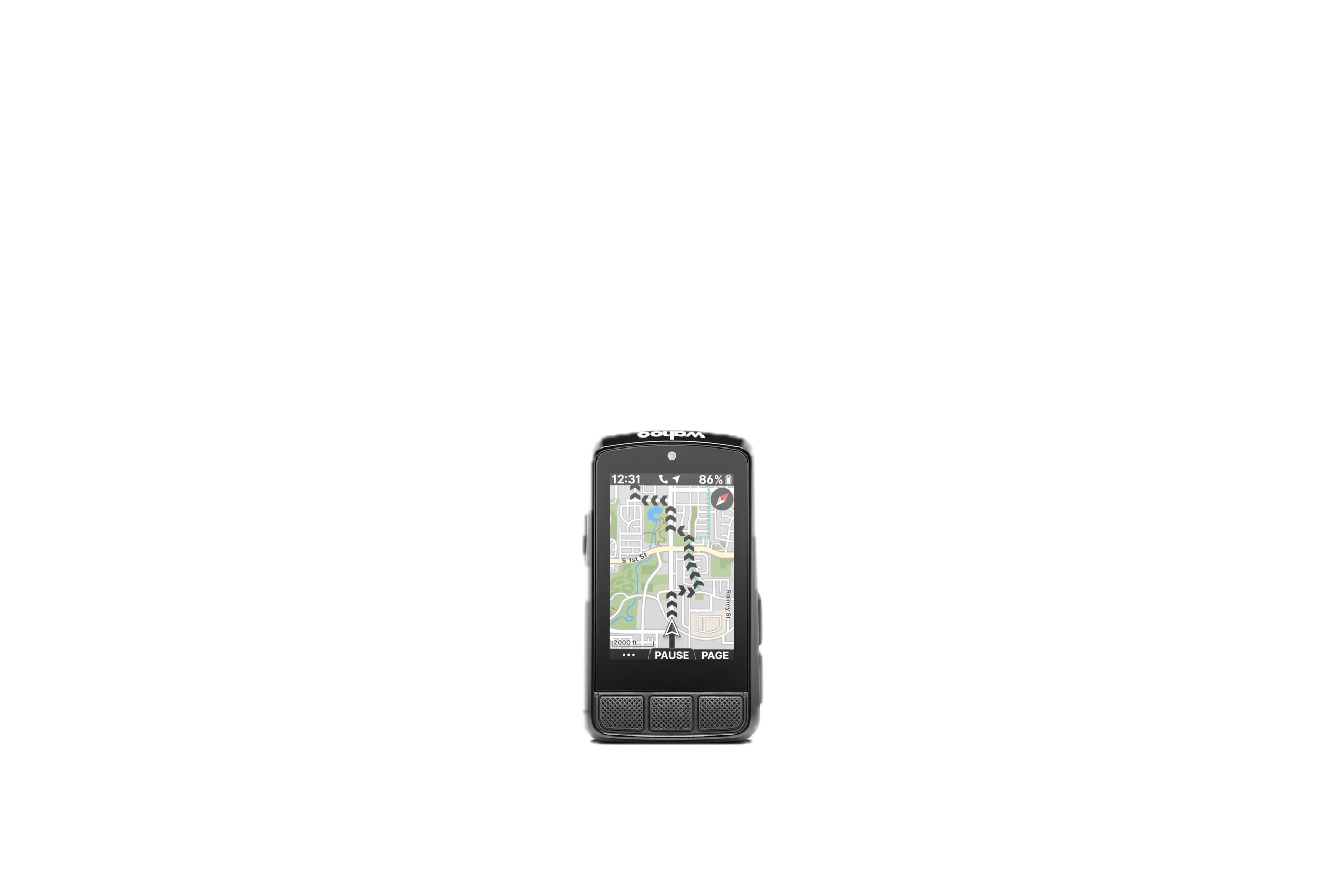
Wahoo ELEMNT Bolt V3
Key Features
- Weight: 2.96 oz
- Battery: 20 hours
- Display: 2.3 inches
- Navigation: Turn-by-turn; route sync
- Price: Midrange
The Bolt V3 is the smallest navigator in this group, and that is the point. It sits low on the bars, the buttons have a positive click, and you can page through data without looking down for long. The body is small enough to leave room for a light, and the unit feels sturdy in the hand.
Navigation is turn-by-turn rather than a full-color map, and the Bolt pulls routes automatically from Strava, RideWithGPS, Komoot, and other accounts. The Take Me To feature lets you pick a point on the map and get directions without preloading a route. It pairs with ANT+ radar, smart lights, and electronic shifting, and the LED strip at the top gives you a quick visual cue for turns.
We prefer it for riders who hate touchscreens. The button layout is simple, the screen is readable, and the claimed 20-hour battery covers a long day out. It is not a full mapping computer—the small screen keeps map detail tight—but for following a route and watching key numbers, that is enough. The tactile feedback is a real advantage with gloves or wet hands.
The mount is integrated and tidy, and the unit feels secure on rough surfaces. The battery lasts through a long day, and the whole package disappears on the bars until you need it. That compactness is the reason to choose it.
Pros
- Compact button-first design
- Turn-by-turn navigation and route sync
- ANT+ radar and smart notifications
- 20-hour claimed battery life
Cons
- Bluetooth pairing can be finicky
The Bolt V3 is our choice for riders who want a compact navigator and prefer tactile buttons to a touchscreen.
Best for Value Map Navigation
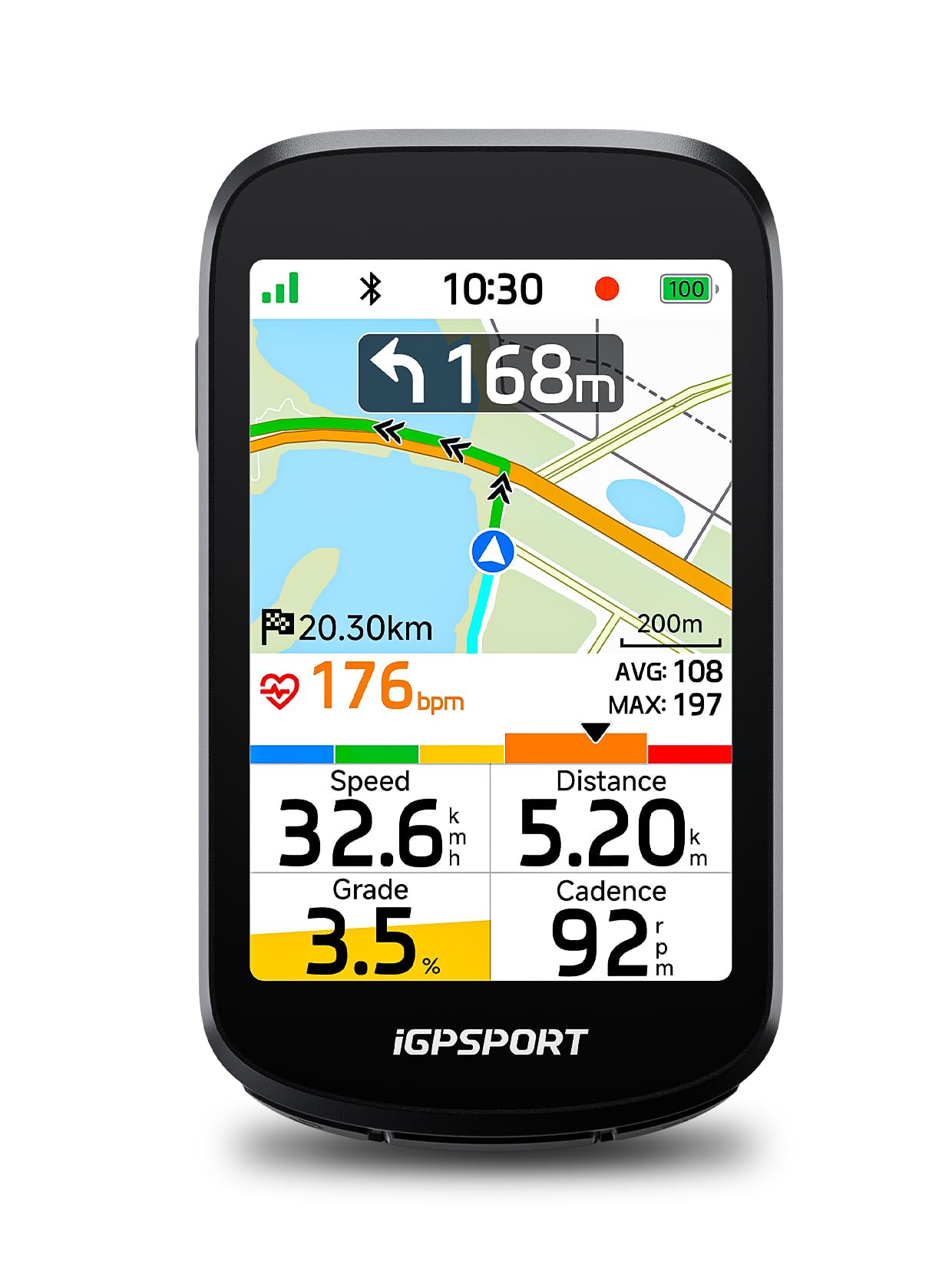
iGPSPORT BSC500
Key Features
- Display: 3.3 inches, touchscreen
- Navigation: Map navigation; rerouting
- Positioning: Dual-band; five satellite systems
- Waterproofing: IPX7
- Price: Midrange
The BSC500 is the value surprise here. It gives you a 3.3-inch touchscreen, map navigation, dual-band GPS, and automatic rerouting for midrange money. We think that is the best feature-per-dollar package in this group, and it is the one we point to when a rider wants Garmin-style navigation without the Garmin price.
The navigation tools are more complete than the price suggests. Turn prompts adjust their warning distance with your speed, the unit replans when you go off course, and you can import GPX routes from Strava or Komoot through the app. The screen shows up to 12 data fields, and the touchscreen works alongside physical buttons, which is a useful combination when you are moving.
Battery life is generous enough that a weekly charge is realistic for regular riders. The screen is bright in sun, and the 107 g body is light enough for a race bike. Sensor pairing covers ANT+ and Bluetooth, including power, heart rate, cadence, and radar lights, so it can serve as the center of a fairly serious setup.
The compromises are real. The menus are not as polished as the premium options, and the interface takes a little learning. But the core navigation is easy to live with, and the value is hard to beat. If you want the deepest training ecosystem, look at Garmin; if you want maps and rerouting without the premium, this is the one.
Pros
- 3.3-inch touchscreen with map navigation
- Dual-band GPS and automatic rerouting
- Buttons plus touchscreen control
- Strong value for navigation features
Cons
- Route planning is app-dependent
For map navigation without premium-brand pricing, we point riders to the BSC500.
Best for Budget Color Navigation
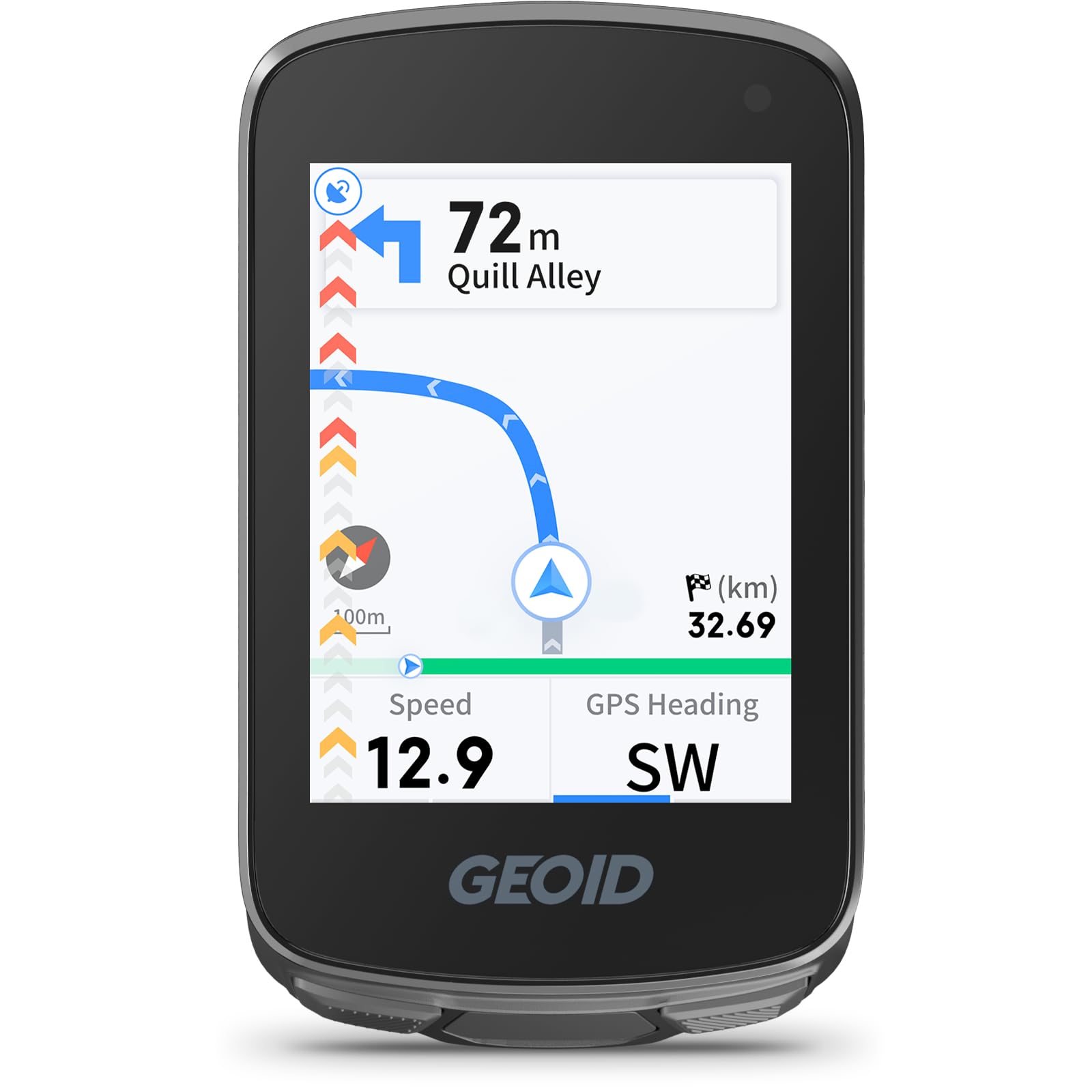
GEOID CC700
Key Features
- Display: 2.8 inches, color
- Navigation: Route guidance; GPX uploads
- Connectivity: ANT+, Bluetooth, Wi-Fi
- Waterproofing: IPX7
- Price: Budget
The CC700 is a budget computer with a 2.8-inch color screen and route navigation. It looks more expensive than it is, and the three-button layout is simple enough to learn. The color screen makes the route line and data fields easy to read at a glance, which is the main reason to choose it over a plain black-and-white unit.
We think it is the best budget color navigator here for riders who want turn prompts and a bright screen. It supports GPX uploads, WiFi syncing, and ANT+ sensors, including radar and electronic shifting. For a first navigation computer, that is a useful set of features.
The 2.8-inch screen is the largest in the budget group, and the color display is a real step up from a monochrome readout. Battery life has been solid in use, and the unit is light enough for a handlebar mount. The buttons are straightforward, and the screen stays readable in changing light.
The catch is the navigation style: this is route guidance rather than a full street map, so you follow a line and turn prompts instead of exploring the map. For a rider who plans a route ahead of time, that is a fair trade for the price. The color screen and sensor support are the reasons to pick it over a basic tracker.
Pros
- 2.8-inch color screen
- Route navigation with GPX uploads
- ANT+ sensor and radar support
- WiFi sync and firmware updates
Cons
- Menus take time to learn
The CC700 is our budget pick for color route guidance and sensor pairing without a premium navigator’s price.
Best for Basic Ride Tracking
iGPSPORT BSC100S
Key Features
- Battery: 40 hours
- Display: 2.6 inches
- Connectivity: ANT+, Bluetooth
- Waterproofing: IPX7
- Price: Budget
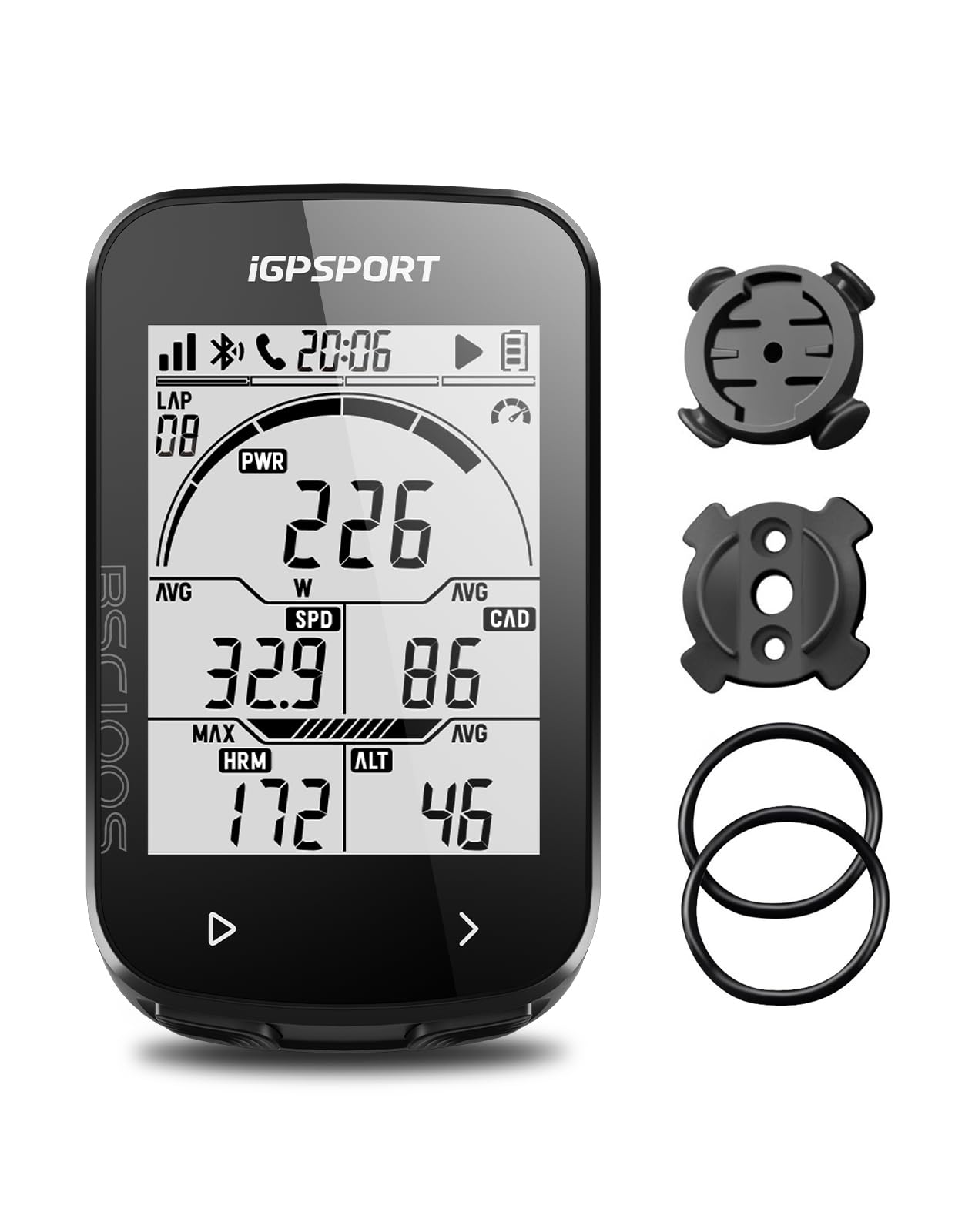
The BSC100S is the one to buy if you want ride data and nothing else. There are no maps and no turn prompts—just speed, distance, time, cadence, heart rate, and a 2.6-inch screen. It is a bike computer in the old sense, with GPS replacing the wheel sensor and a cable.
The screen is easy to read, even with sunglasses, and the claimed 40-hour battery means you can leave the charger at home for a week of commuting. ANT+ and Bluetooth cover the usual sensors, and the app handles setup and Strava uploads. The 40-plus data fields are more than most riders need, but the main screen is clean.
The app is the real manual, which is both a strength and a frustration. It makes configuration easier than scrolling through menus on the device, but the setup process is not always obvious, and the included instructions are thin. Once you are rolling, the unit does the simple job well.
We think it is the best basic tracker here for riders who already know their routes and just want a clean data display. The lack of navigation is the point, not a flaw—but if you need turn prompts, spend more. The BSC100S also makes a good second computer for a commuter or trainer bike, where maps are unnecessary.
Pros
- Clear 2.6-inch display
- 40-hour claimed battery life
- ANT+ and Bluetooth sensor support
- Strava sync through the app
Cons
- Some units can freeze after setup
We like the BSC100S for riders who want speed, distance, and sensor data without paying for maps.
Best for Elevation-Focused Riding
Bikevee GPS Computer
Key Features
- Battery: 28 hours
- Display: 2.4 inches
- Elevation: Altitude, gradient, ascent
- Waterproofing: IPX7
- Price: Budget
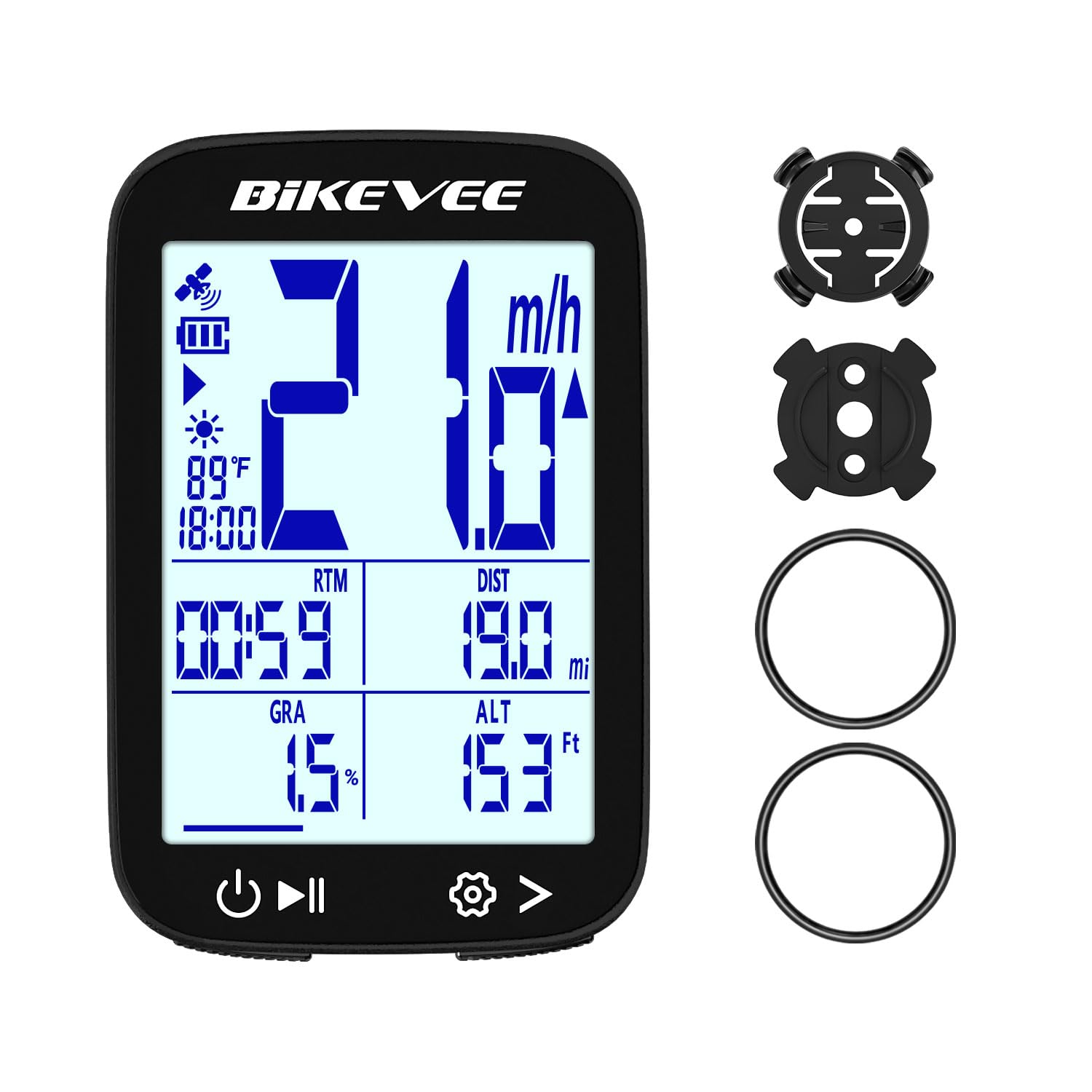
The Bikevee is for riders who care about climbing data. It tracks altitude, gradient, accumulated ascent, temperature, speed, distance, and ride time on a 2.4-inch screen. At 50 g, it is one of the lightest units here, and the IPX7 body is ready for weather.
The GPS works without a wheel sensor or spoke magnet, and the claimed 28-hour battery covers a lot of riding between charges. Auto start and stop means you can leave it alone at a coffee stop, and the automatic backlight adjusts to changing light. The display is simple rather than fancy, which suits the price.
We think it is the best budget pick here for elevation-focused riders who do not need navigation. The gradient and ascent fields are the reason to choose it over a plain speedometer, and the light body makes it easy to swap between bikes. If your rides are mostly flat, the extra data matters less; if you chase climbs, it earns its place.
The buttons are simple, and the screen is easy to read, but this is a data computer rather than a navigator. For the money, it is a useful tool for riders who want to know how much climbing they did. It is also a good fit for a second bike where you want elevation data without another premium unit.
Pros
- Altitude, gradient, and ascent data
- 28-hour claimed battery life
- Light 50 g body
- IPX7 weather sealing
Cons
- Satellite lock can take a while
- Rubber-band mount feels less secure
Our budget pick for climbers is the Bikevee, which adds altitude and gradient data to a simple GPS computer.
How We Tested Bike GPS Computers, From First Charge to Final Upload
We started with spec sheets on more than 40 units and cut anything that couldn’t record a ride without a phone tethered to it the whole time, then narrowed by price tier and the features riders ask about most: mapping, sensor pairing, and satellite messaging.
That left 10 computers, and each spent eight months on our handlebars. Every unit was set up from scratch, out of the box, with nothing but the included instructions — we timed how long it took to get from unboxing to a recorded ride and noted every point where the manual assumed we already knew something.
Then we rode. Each unit got a five-hour loop with navigation and the backlight on to see whether the claimed battery life held, plus a week of rainy commuting and one long gravel day. We compared the recorded tracks on a wooded climb and a downtown block of tall buildings against a reference track to see where the line drifted. For connectivity, we paired each computer to a phone, a heart rate strap, and a power meter, walked away from the phone mid-ride to see what kept recording, and sent a test message from a trailhead with no cell service on the units that offered satellite capability.
The last pass mattered most. We handed each computer to a rider who had never touched it and asked them to start a ride, add a data field, and follow a route with no help — the ones we liked best were the ones nobody had to explain. We also weighed what the extra money actually bought, which is where a few of the pricier units fell apart.
How to Choose a Bike Gps
The first decision is not screen size or brand; it is whether you need to follow a route or just record the ride.
Navigation or Ride Data?
Map navigation is the feature that separates a computer you can explore with from one that simply records. If you ride unfamiliar roads, follow group routes, or want turn prompts and rerouting, choose a unit with maps and a clear course line. If you repeat the same loops and only want speed, distance, and sensor data, a basic tracker like the iGPSPORT BSC100S or Bikevee saves money and battery. The trap is buying a data-only unit and expecting it to guide you home; it will not.
Controls and Screen Size
Touchscreens are great for panning maps and tapping through menus, but they are not automatically better. With gloves or rain, physical buttons are easier to hit without looking. The best compromise is a unit with both, like the Edge 840 or BSC500. Screen size is a trade-off too: a 2.6-inch display keeps the unit compact, while a 3.3- or 3.5-inch screen shows more map but takes up more bar space. Match the screen to the cockpit, not the spec sheet.
Battery Life and Charging
Claimed battery life is usually quoted in demanding use, with a longer saver mode. A color touchscreen and constant mapping drain faster than a black-and-white data screen. For long days, look for 20 hours or more in demanding use; for commuting and short rides, a 28- to 40-hour unit can go a week between charges. Remember that a bigger screen and more features usually cost battery, so decide which matters more.
GPS Accuracy and Sensor Pairing
Single-band GPS is fine for most road riding, but multi-band GNSS is more reliable under tree cover, in valleys, and between buildings. If you ride in those places, it is worth paying for. Sensor pairing is the other half: ANT+ and Bluetooth let you add heart rate, cadence, power, radar, and electronic shifting. Check the specific sensors you own before buying, because a computer that cannot show your power data is not the bargain it looks like.
Mounting and Weather Protection
Most units use a handlebar mount with rubber bands or a bolted out-front mount. Rubber bands are quick but can shift on thin or aero bars, so check the fit and use the tether if one is supplied. IPX7 sealing handles rain and road spray; IPX6 is fine for most showers but less protected in a downpour. If you swap the computer between bikes, buy a second mount rather than moving one every ride.
Frequently Asked Questions
Do I need a bike GPS if I already use my phone?
A phone is fine for short rides in good weather, especially if you only check a route occasionally. A dedicated computer wins on battery life, bar mounting, rain resistance, and glanceable data. A phone’s battery is the weak point on rides longer than two or three hours, so if that is your normal day, the dedicated unit is easier to live with.
Can I use a bike GPS without a phone?
Yes for recording and for navigation on units with maps and routes already loaded. Setup, route import, and ride upload often go through a phone app, though, and some budget models depend on the app more than others. Check whether you can create or load a route on the device itself before you leave the phone at home.
Do bike GPS computers require a subscription?
No for the core job. These computers record rides and follow routes without a monthly fee, and the companion apps are free. Some live-tracking and safety features need a paired phone and a data connection, but you do not need a subscription just to navigate or log miles. Check any premium training service separately if you want coaching.
Final Verdict
Most riders should buy the Garmin Edge 840. It is the best balance here of mapping, battery, sensor support, and physical controls, and it works whether you are following a route, chasing a training goal, or just logging miles. If screen size is the priority, the Edge 1050 is the premium alternative; if you want map navigation for much less, the iGPSPORT BSC500 is the value pick. The right choice changes when your main need changes, not when the feature list gets longer.